Mobile clocking app
The SERAPHIM and BioSecuritas PRO 2 clocking app is a web app (PWA): free and no app stores. It opens in your phone's browser and installs on your home screen.
Already using the BSPro2 App? You can keep using it: both work at the same time and share the same data. The new one is not downloaded from Google Play or the App Store.
Installation
How to install it
It installs in a moment, directly from your browser. Choose your type of phone:
Android
Chrome, Samsung Internet, Firefox or Edge
- Open seraphim-suite.com/app in your phone's browser (Chrome, Samsung Internet, Firefox or Edge).
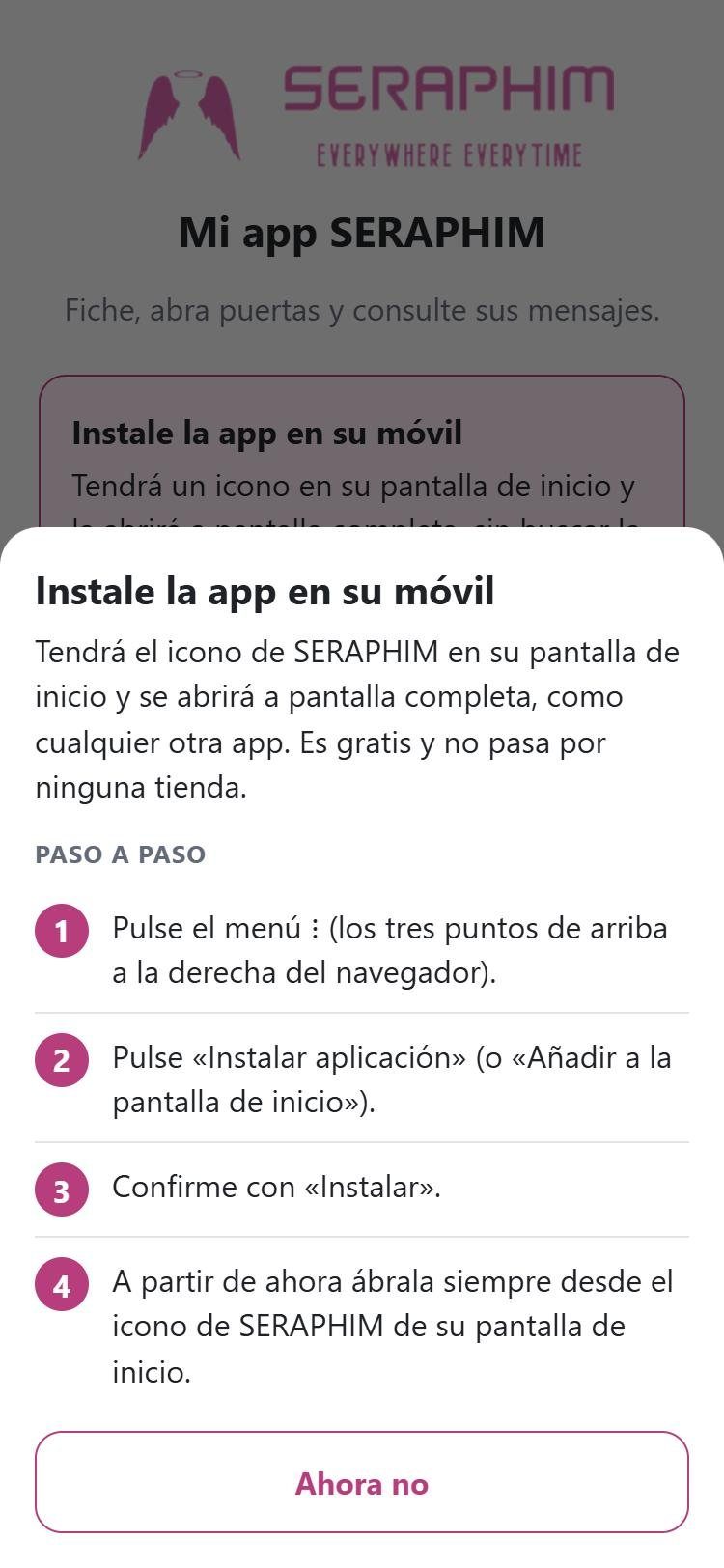
- Tap «Install now» on the pink card. If it doesn't appear, use the ⋮ menu → «Install app» or «Add to Home screen».
- Confirm with «Install».
- Always open the app from the SERAPHIM icon on your home screen.
iPhone / iPad
Safari
- Open seraphim-suite.com/app in Safari (if the link opened inside WhatsApp or your email app, open it in Safari first).
- Tap the Share button (the square with an upward arrow).
- Choose «Add to Home Screen» and then «Add».
- Open the app from the icon. The first time, you will need to log in again with your details.
Would you prefer a step-by-step guide with screenshots? View instructions with screenshots
Access
How to log in
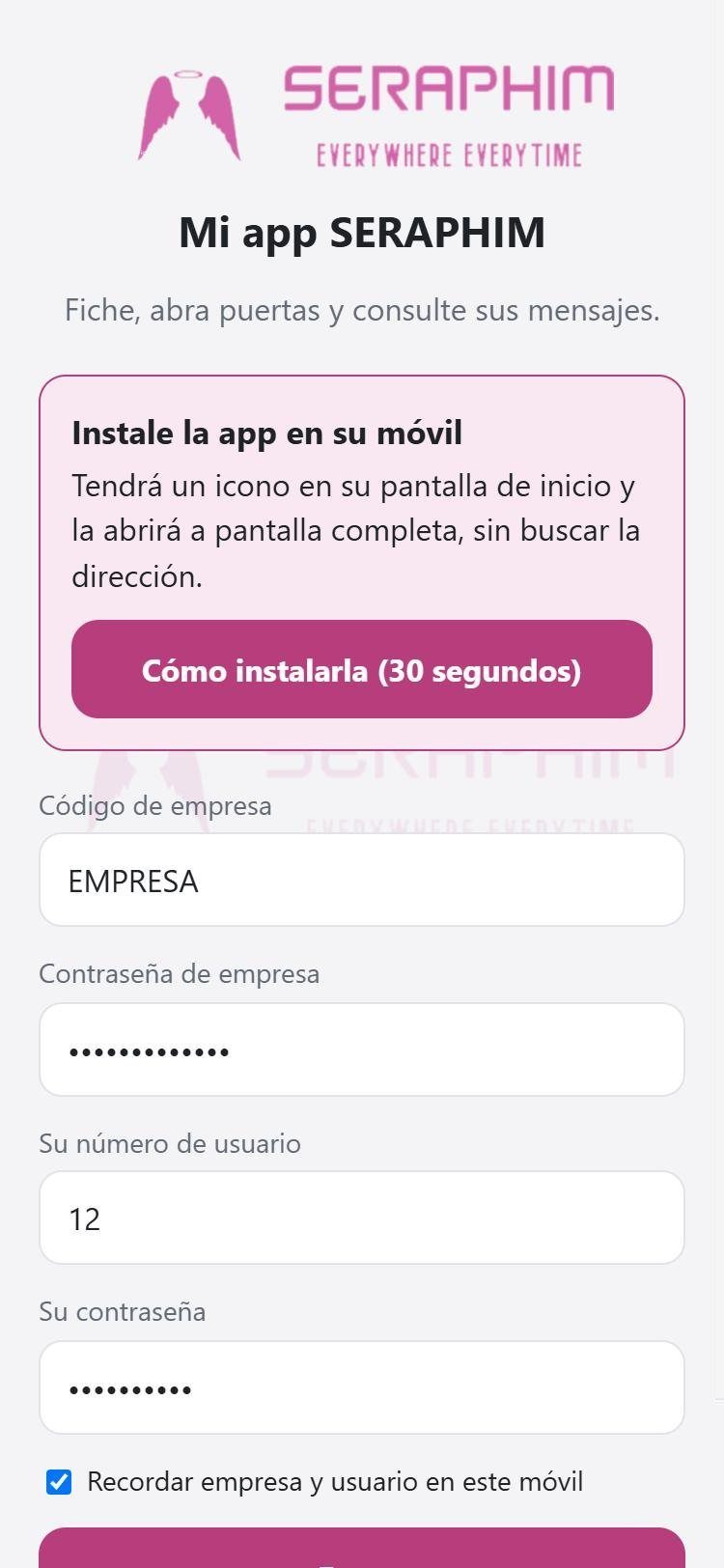
- The company code and the company password (the same as in BSPro2 App; your company administrator provides them).
- Your user number (the ID on your employee record) and your password.
Features
What it can do
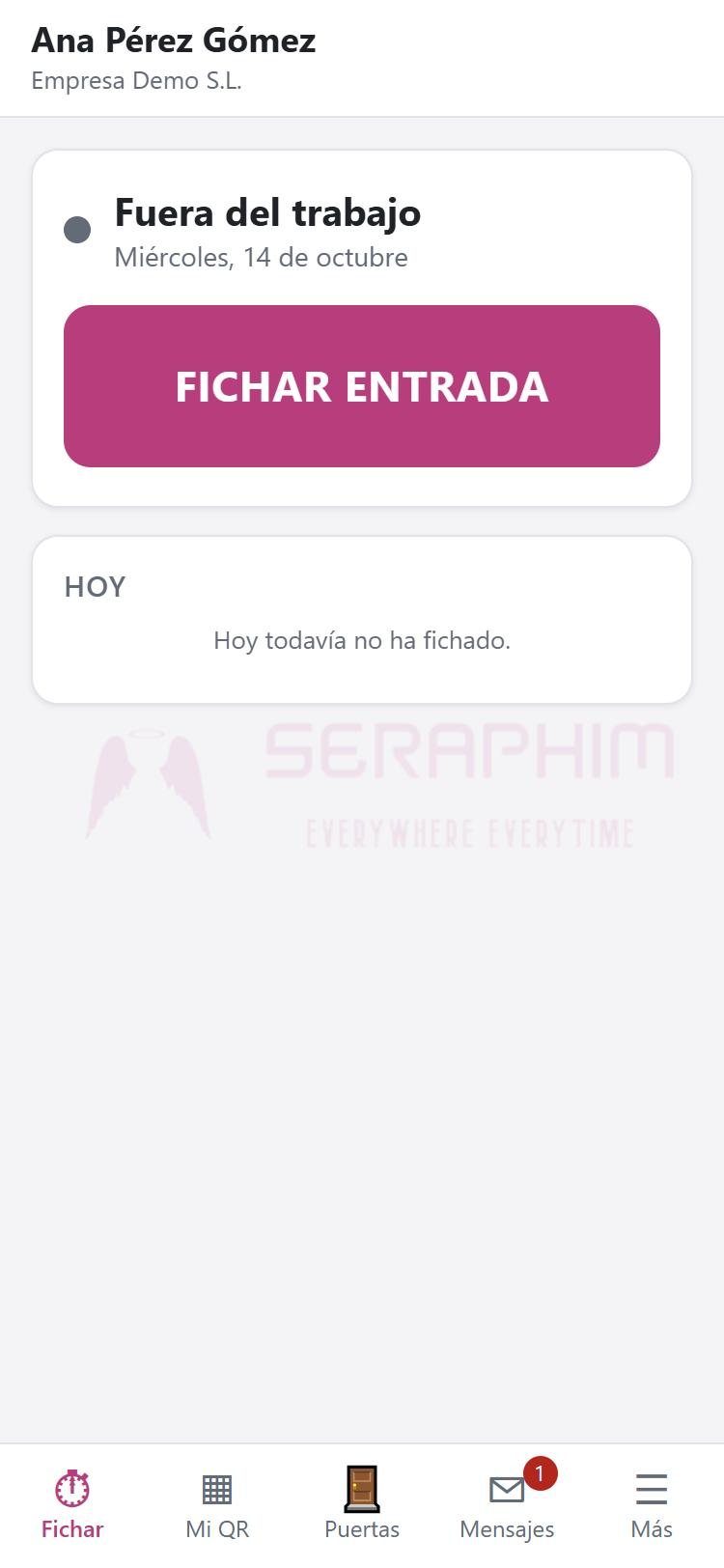
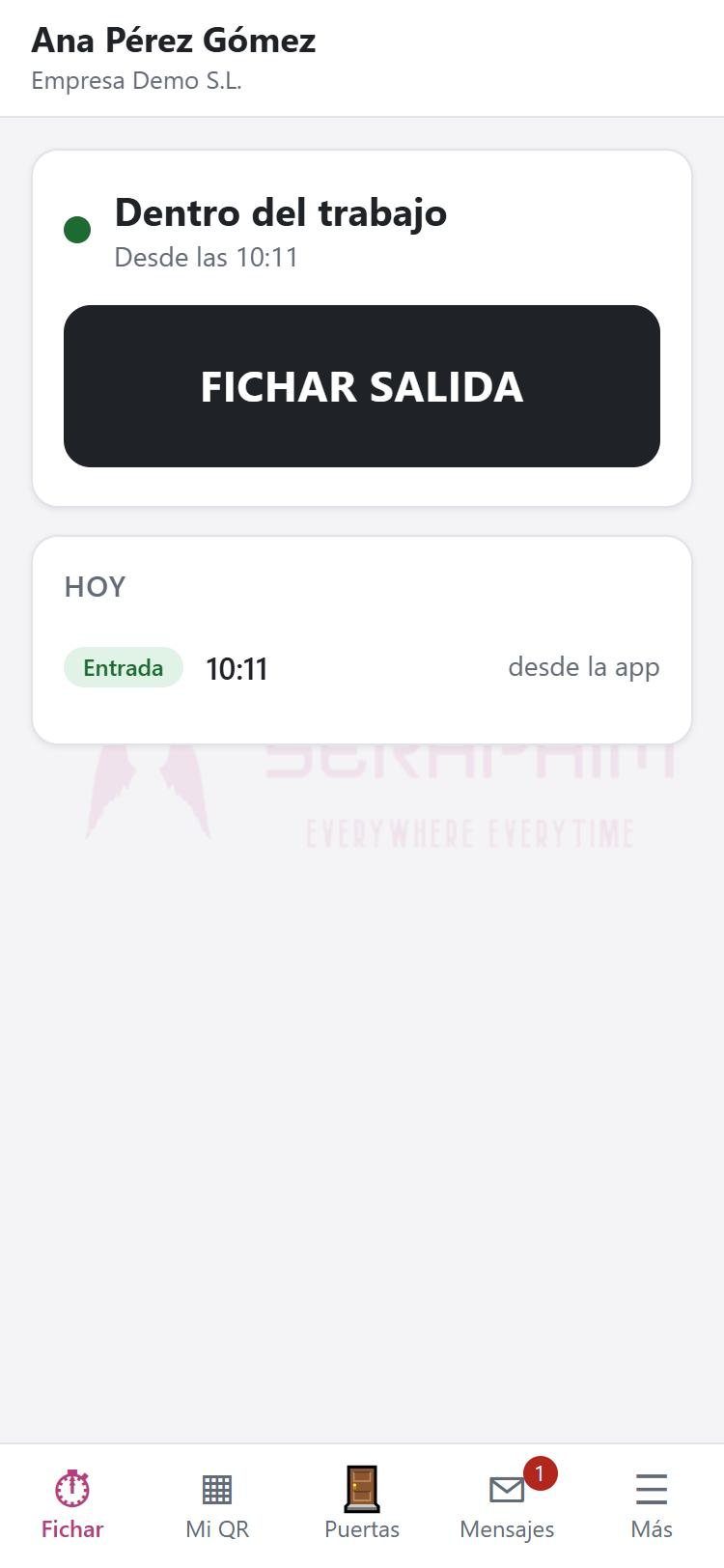
- Clock in and out with location (GPS is only used at the moment of clocking).
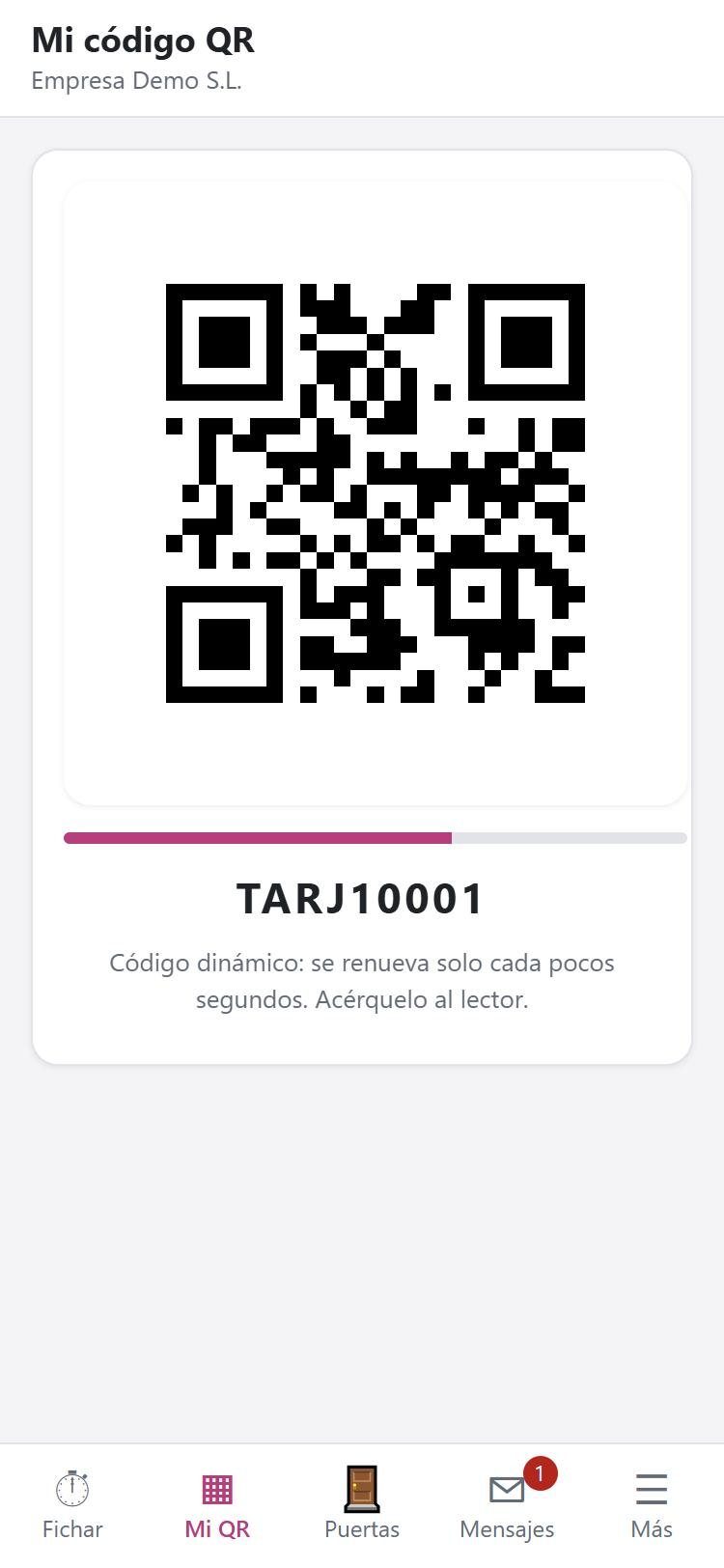
- Show your QR code, static or dynamic.
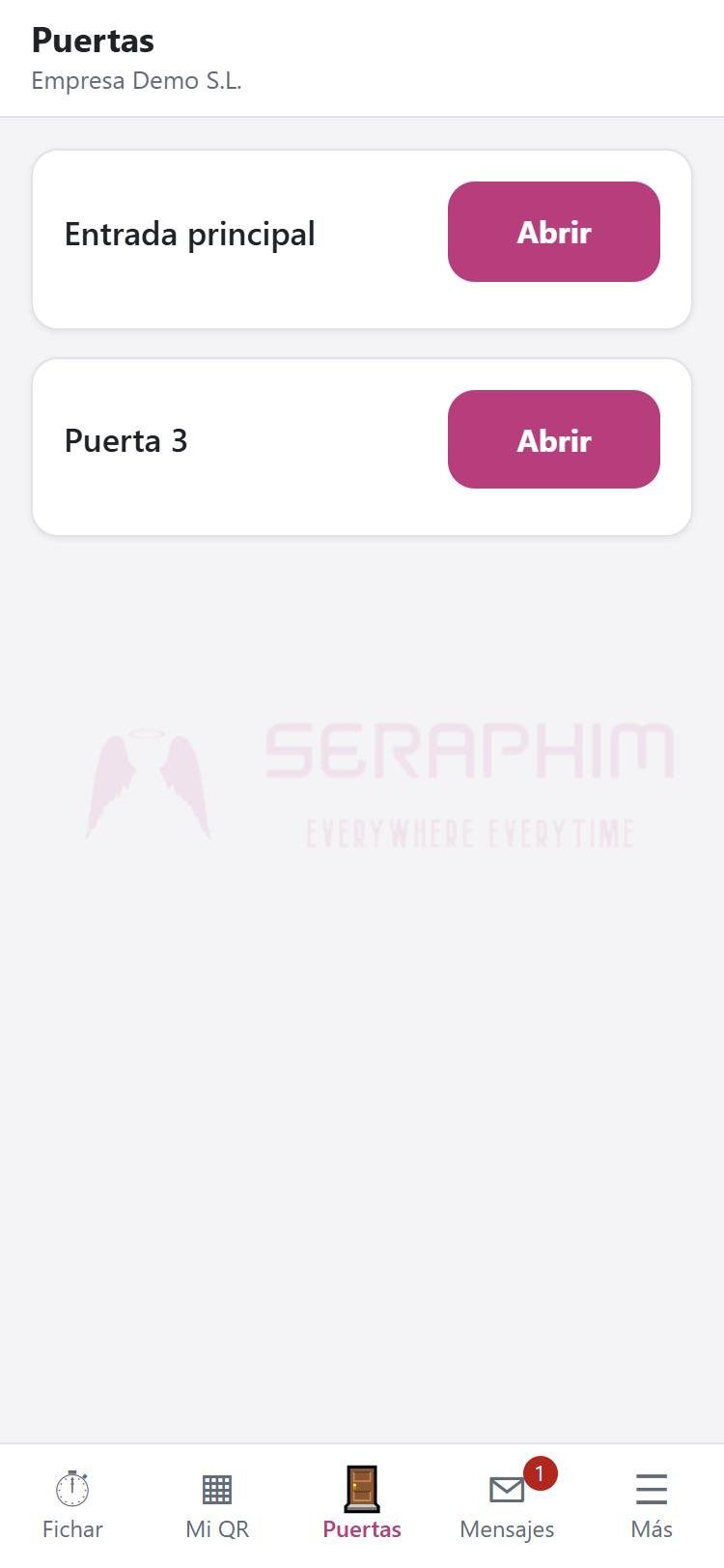
- Open doors.
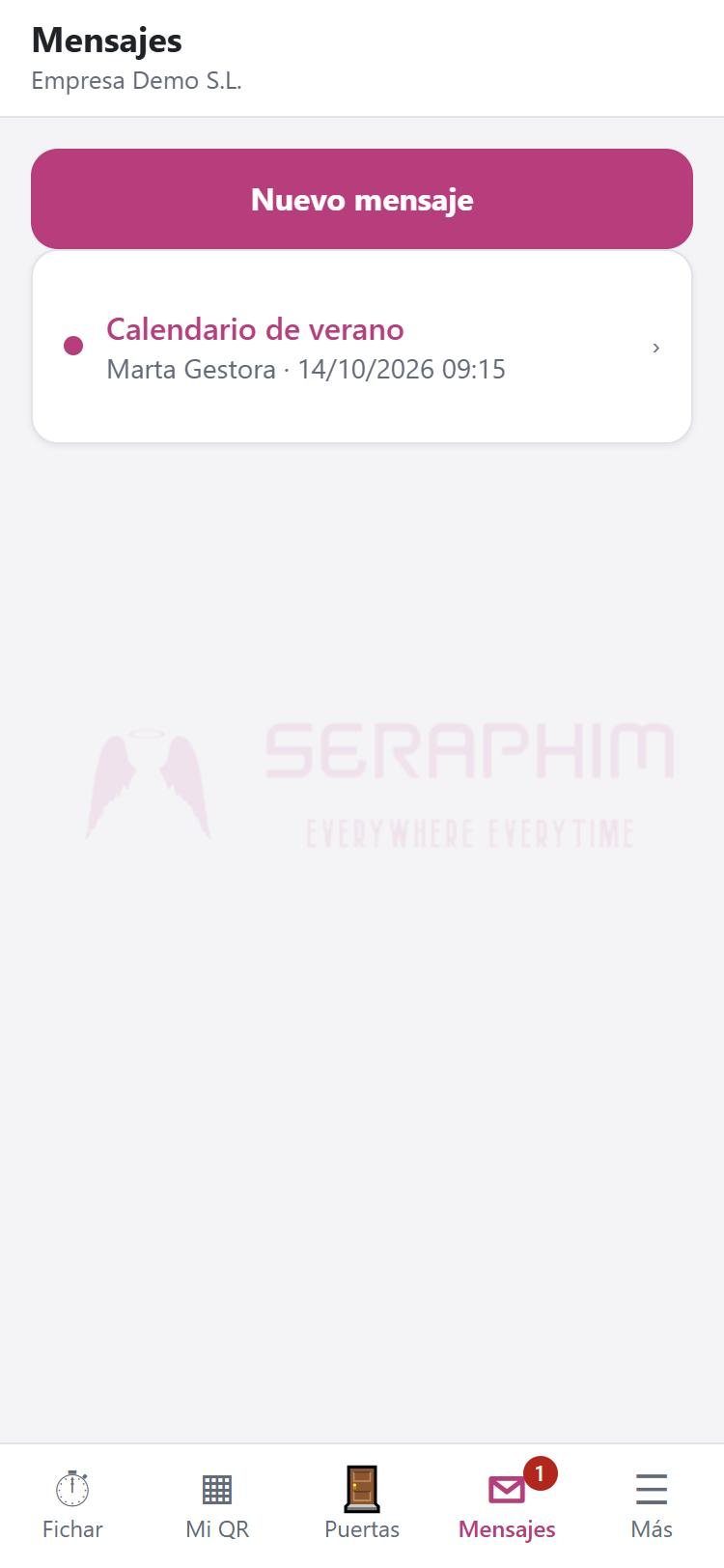
- Send and receive messages and documents with the administration.
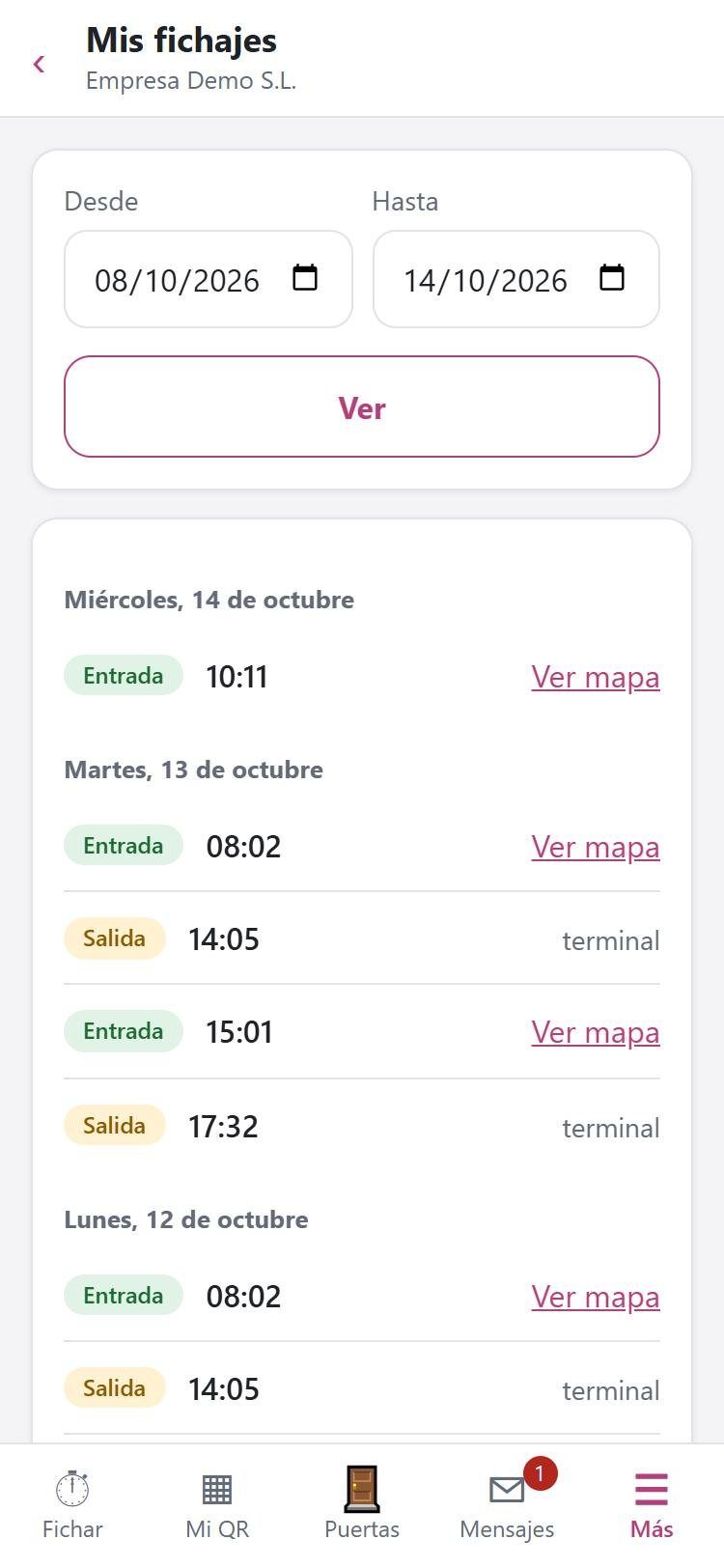
- View your time records, with a map.
- Validation by the phone's fingerprint or face before clocking in (optional).
Screenshots
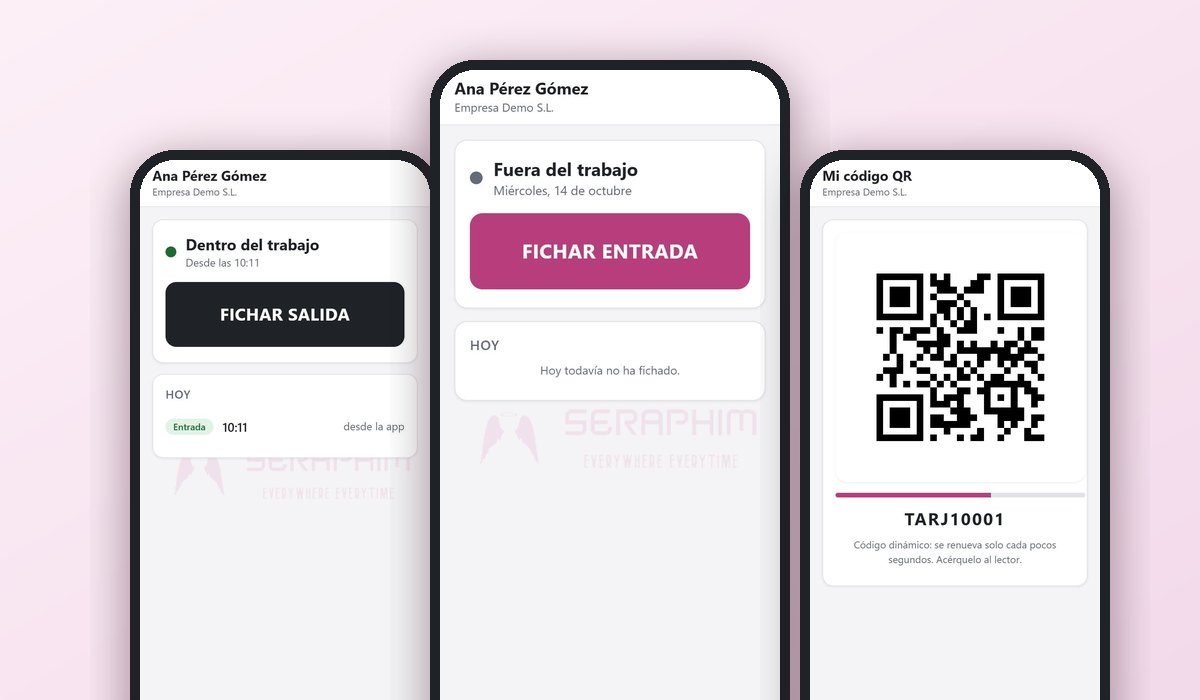
This is how it looks
Images of the actual app.