
KRD-Ges
Offline access control via the standalone KRD13Mv2 reader. Suitable for washing machines and pay-per-use machines.
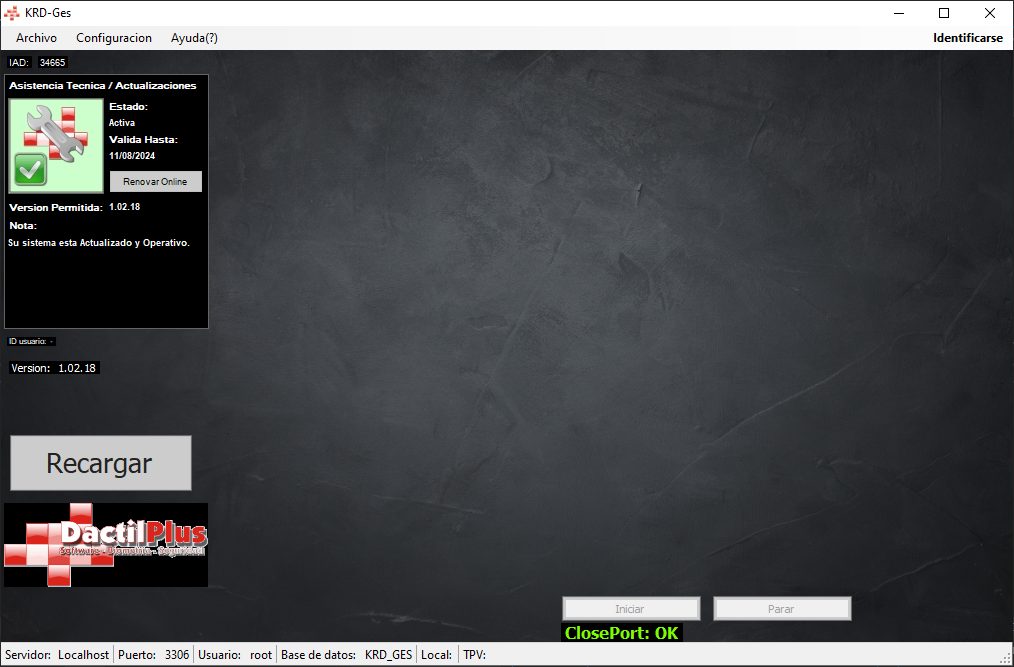
KRD-Ges – Offline Access Control System using the standalone KRD13Mv2 reader
KRD-Ges is software able to manage readers and cards to control access using standalone KRD13Mv2 proximity readers by Kimaldi.
An affordable, fast and effective system for controlling access to lifts, garages, entrance halls, commercial premises, etc…
Completely standalone, with a balance-deduction function so it can be used as a controller for machinery, washing machines, showers or pay-before-access points.
Our own software, fully adaptable to your needs.
Download installerHow does the KRD-Ges system work?
– Access Control by Proximity Card.
Users simply place the card, wristband or key fob on the reader and, if they are authorised, the relay that opens the door is triggered. The reader has a three-colour light through which it communicates with the user.
Green if access is granted, red if it is not, and blue while waiting for the next user.
– Prepaid system with card.
These readers can be used as a prepaid controller. For example, to control the use of a machine (washing machine, socket) or hot water, showers, etc. at campsites…
A balance is topped up onto the card, and you can then define how many balance units per unit of time are deducted for its use.
– Adding Users (Cards)
User cards are added from any PC using a USB reader/writer. Every reader has an installation code, which determines whether or not a user can gain access through that reader.
Once the installation code has been entered, you simply pass over the reader the cards that will be allowed access through it.
– Coding and configuration of readers using a card.
There is no need to dismantle the reader or connect it to any device to configure it. Using the configuration card you can quickly set the behaviour of each reader. Once configured, you only need to hold it close to the reader for it to take on the new configuration.
Likewise, to change the reader's installation code you only need to configure the master card with the new code and hold it close to the reader.
– Ability to control unlimited doors
As it is a completely standalone system, each reader controls one door or relay. This way you can have as many readers as you need.
– Option to create a centralised online top-up system
The administrator creates users and premises where top-ups can be carried out.
Setting installation codes and Mifare KEYs per premises.
Accounting for top-ups per premises.
– Automatic online updates.
All DactilPlus systems update automatically over the internet. Each time the application starts, it checks the latest version of the program on our web server and gives you the option to install it.
It is the best way to always have the latest improvements and updates for your system.
Latest updates
Recent news and improvements in KRD-Ges. It updates automatically.